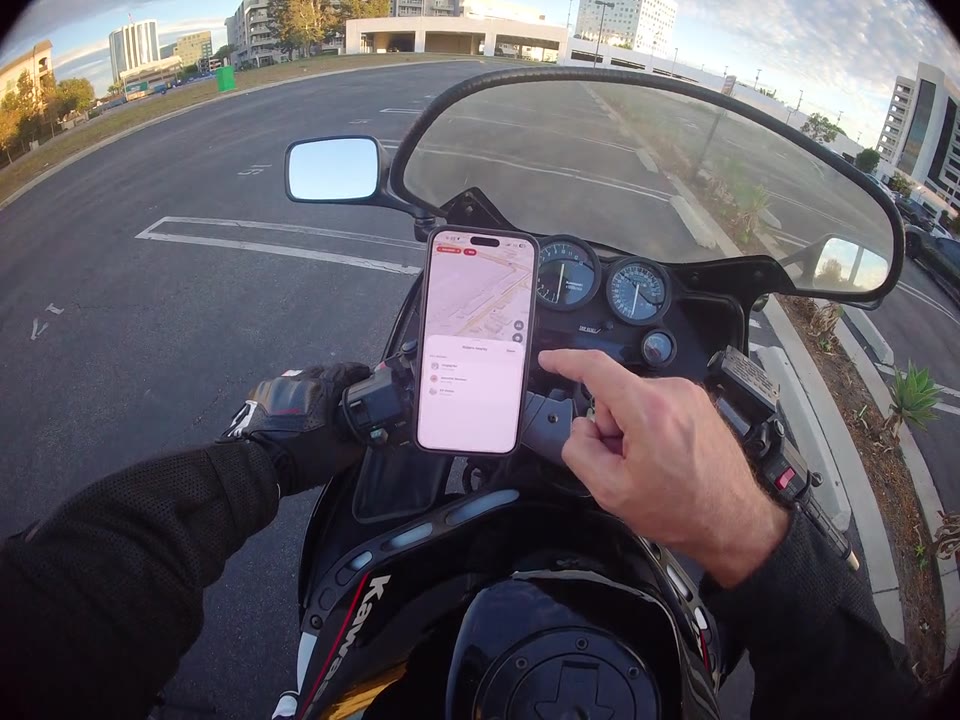
Safety & privacy
Check who you're sharing with
See who your active ride is shared with, right from the ride screen.
Watch guide · 0:12
RiderShield / Guides & FAQs
From your first route to your next group ride. Get to know RiderShield with hands-on videos and clear, practical guides.
Jump to FAQsReal demonstrations. One feature at a time.
10 guides to explore
Safety & privacy
See who your active ride is shared with, right from the ride screen.
Rides & community
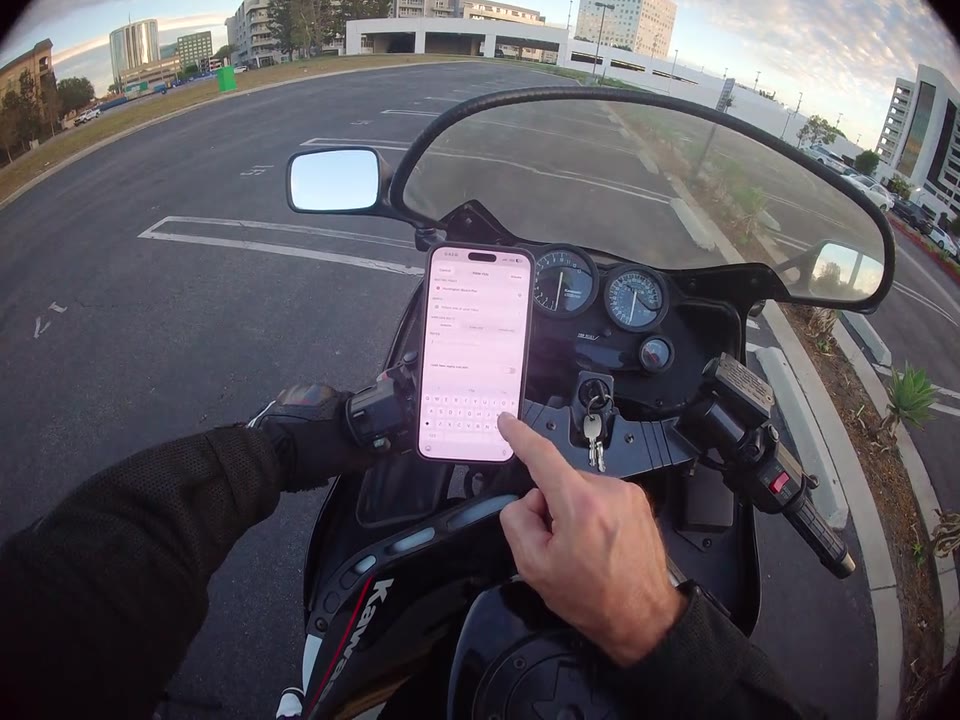
Bring the plan together with a ride date, meeting place, and details for your group.
Rides & community
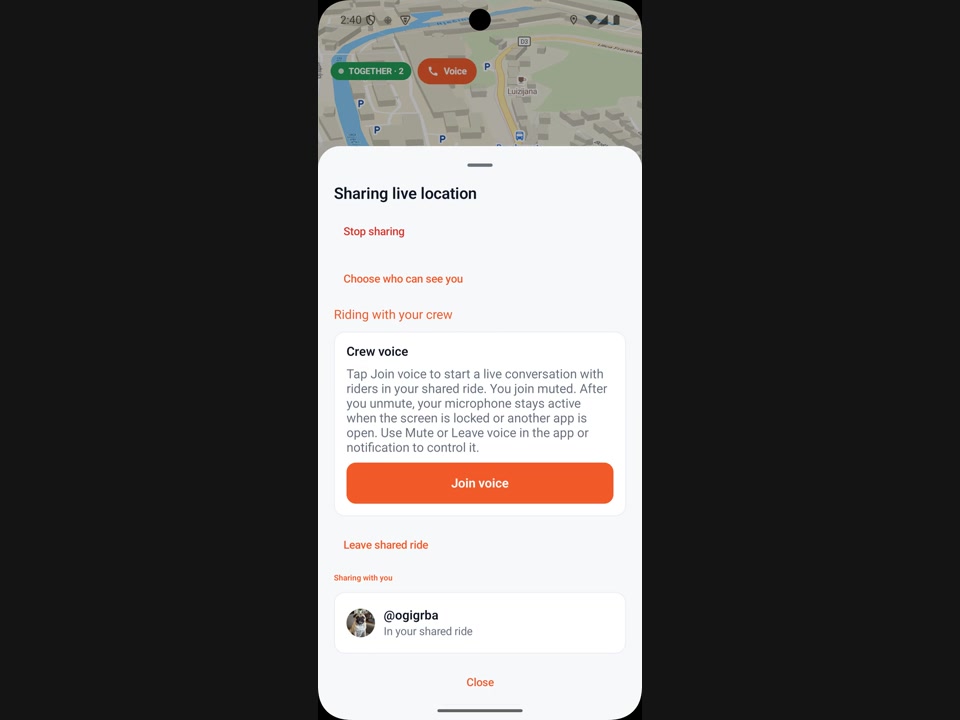
A friend is riding nearby? Connect to ride together, then join a shared voice channel to talk with multiple riders at the same time.
Navigation & maps
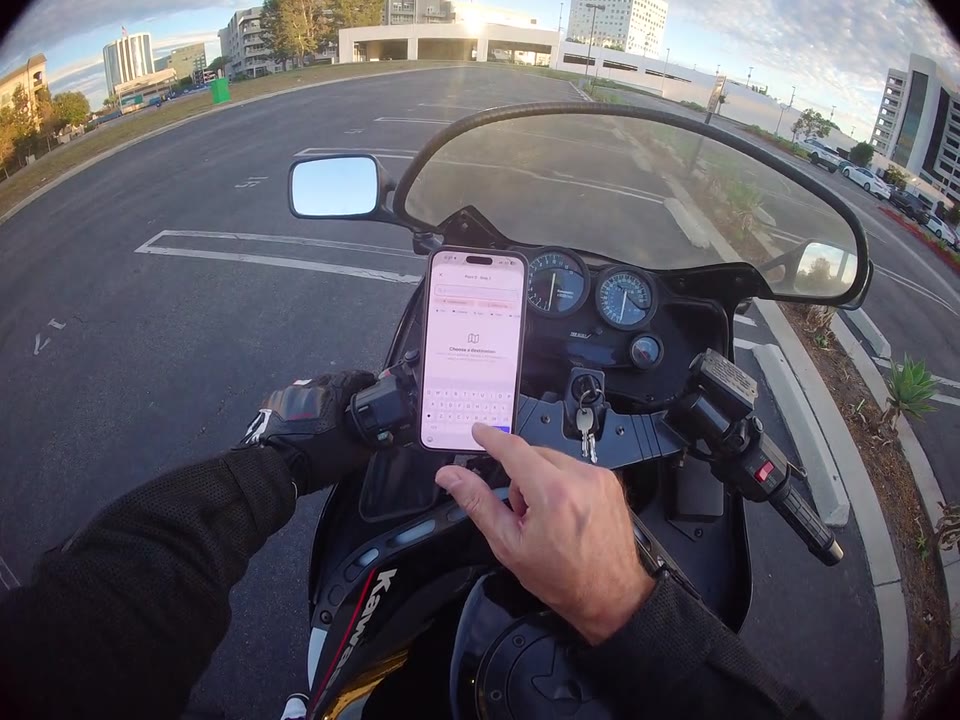
Build a route with more than one destination before starting turn-by-turn navigation.
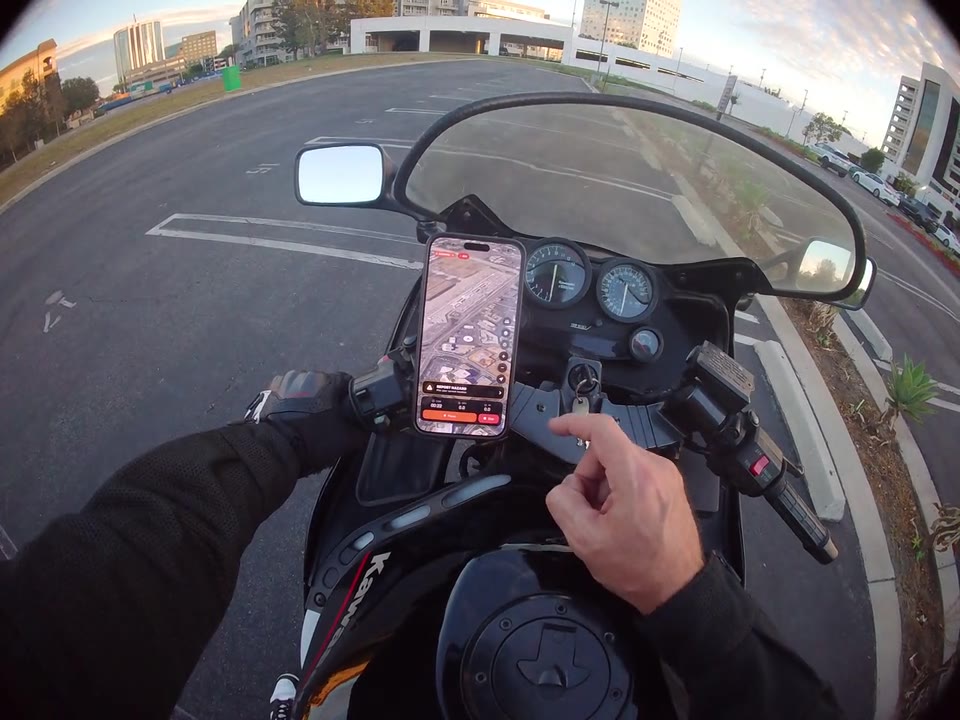
Navigation & maps
Explore the map controls and switch to a different view, including satellite imagery.
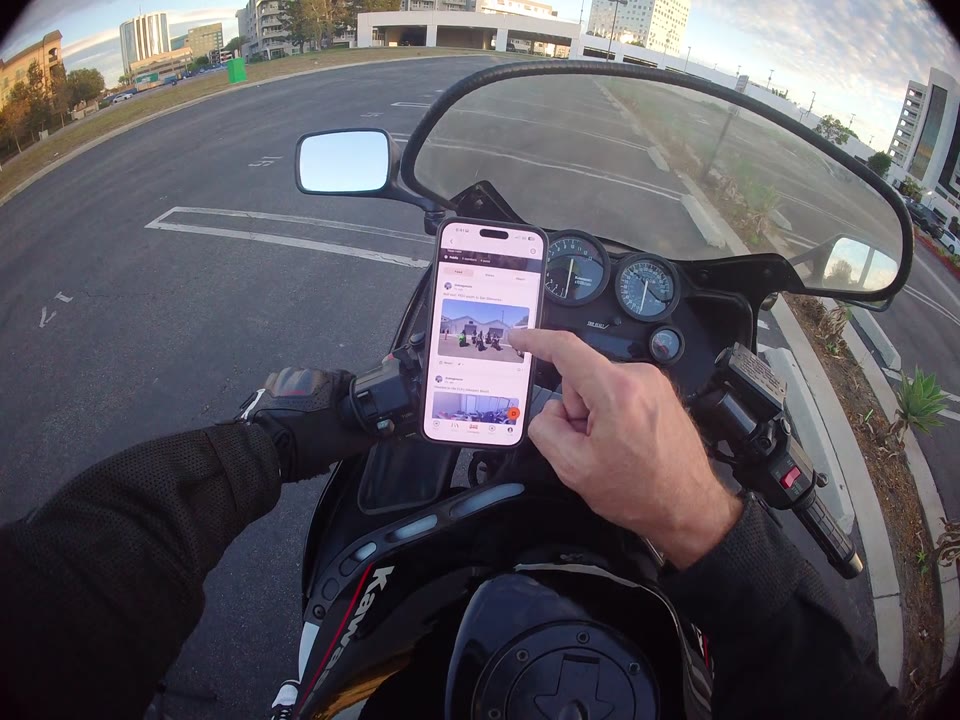
Rides & community
Browse shared rides, open a riding group, and catch up on its posts and comments.
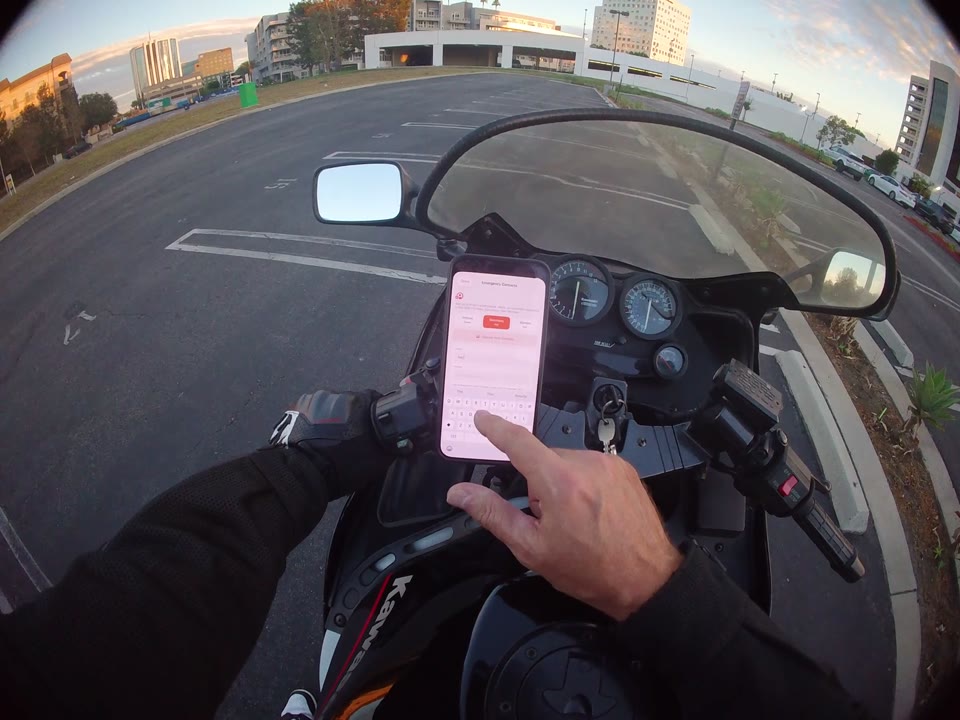
Safety & privacy
Find the contact settings and explore manual entry and your phone's contact picker.
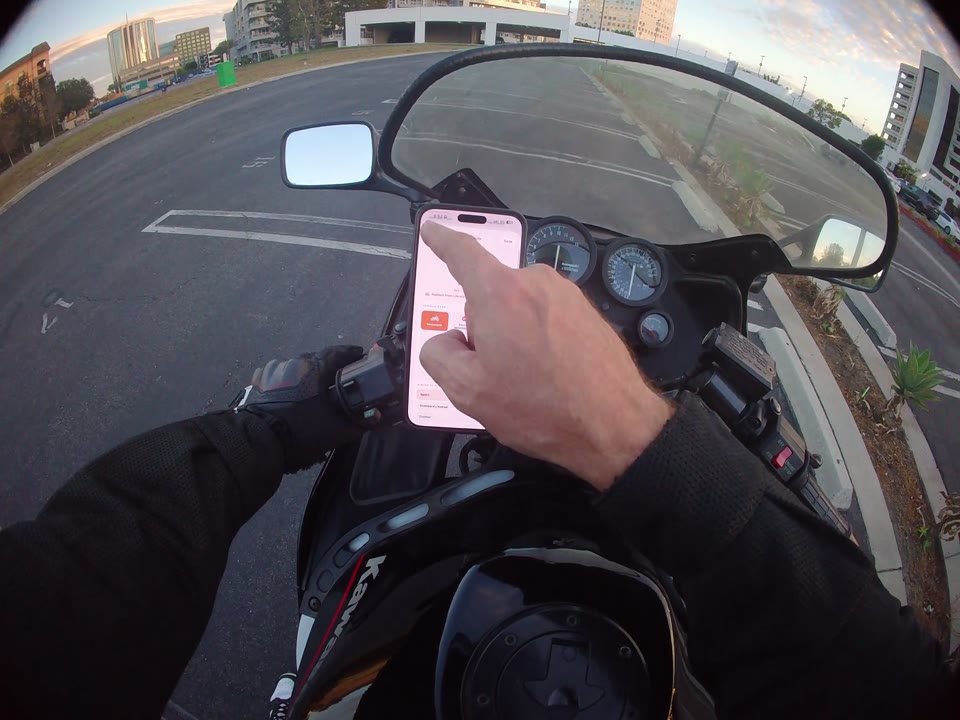
Garage & marketplace
Find your saved motorcycles and take a closer look at each bike's details.
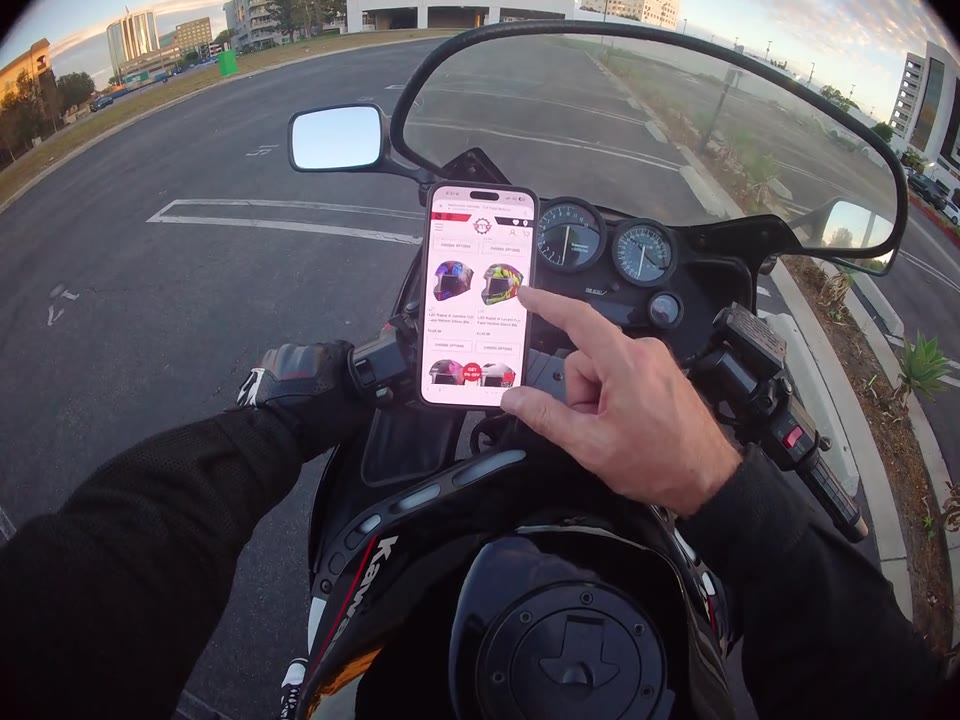
Garage & marketplace
Open a featured retailer and browse motorcycle gear from the app.
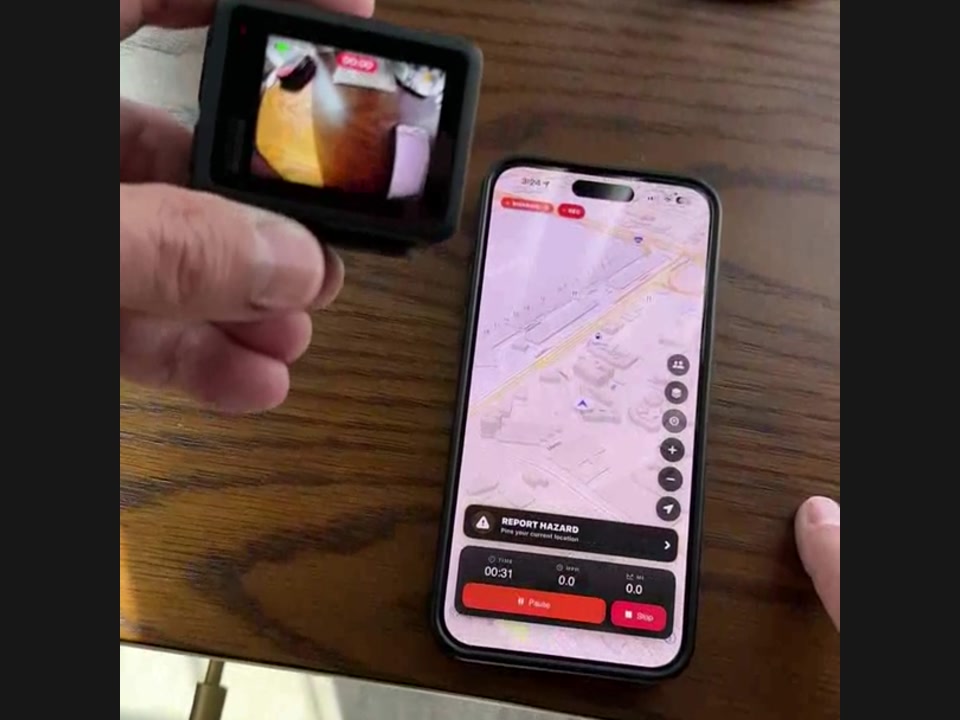
Cameras & devices
Connect your GoPro during ride setup and try the recording controls from your ride screen.
A little clarity
Quick help with the features in these walkthroughs.
Open the active-ride screen and tap the people icon beside the map to review the shared-rider list. Check it while safely stopped; the list shows your ride-sharing audience, not group membership.
Watch the walkthrough: Check who you're sharing withOpen your group from Community, go to its rides section, and use the add control. The walkthrough shows entering ride details, choosing a date and meeting place, and returning to the group's rides list.
Watch the walkthrough: Get your next group ride on the calendarYes. Group voice supports multiple riders connected at the same time in one shared channel, not just two people in a private call. Invite a nearby friend with Ride together, or accept their invitation, then connect separately using Join voice under Crew voice. You join muted; use Unmute microphone to speak, mute when needed, and Leave voice to disconnect without leaving the shared ride.
Watch the walkthrough: Ride together. Talk as a group.Yes. The route-planning walkthrough shows searching for destinations, adding another stop, reviewing the route on the map, and starting navigation. Plan and adjust your stops while safely parked.
Watch the walkthrough: Make room for another stopUse the map-view controls along the right side of the active-ride map to choose a different display. The video includes satellite imagery. Stop safely before interacting with the map.
Watch the walkthrough: Find your preferred map viewOpen Community from the bottom navigation. Browse the feed for shared rides and posts, or switch to Groups and open a group to read its feed and comments.
Watch the walkthrough: Find your people. Follow the rides.Open Emergency Contacts from the home screen's Safety panel. The video shows manual contact entry and the phone contact picker. Verify the details before riding; configuring contacts does not guarantee emergency response.
Watch the walkthrough: Review your emergency contactsOpen Garage from your RiderShield profile. Select a saved motorcycle to review its details and available editing options, then return to the list to view another bike.
Watch the walkthrough: Keep your bikes in one placeIt shows opening Marketplace, visiting a featured retailer, browsing motorcycle helmets, and opening an item's details. Retailer listings, prices, and availability may change; checkout is not shown.
Watch the walkthrough: Explore gear through the MarketplaceThe demo starts with the GoPro on its Connect Device screen. Start a ride in RiderShield, complete calibration, and confirm the phone's Bluetooth Pairing Request for your camera. Then use the camera controls at the top of the ride screen and confirm recording on the GoPro. This clip does not establish compatibility with every GoPro model.
Watch the walkthrough: Connect your GoPro for the ride