Safety & privacy
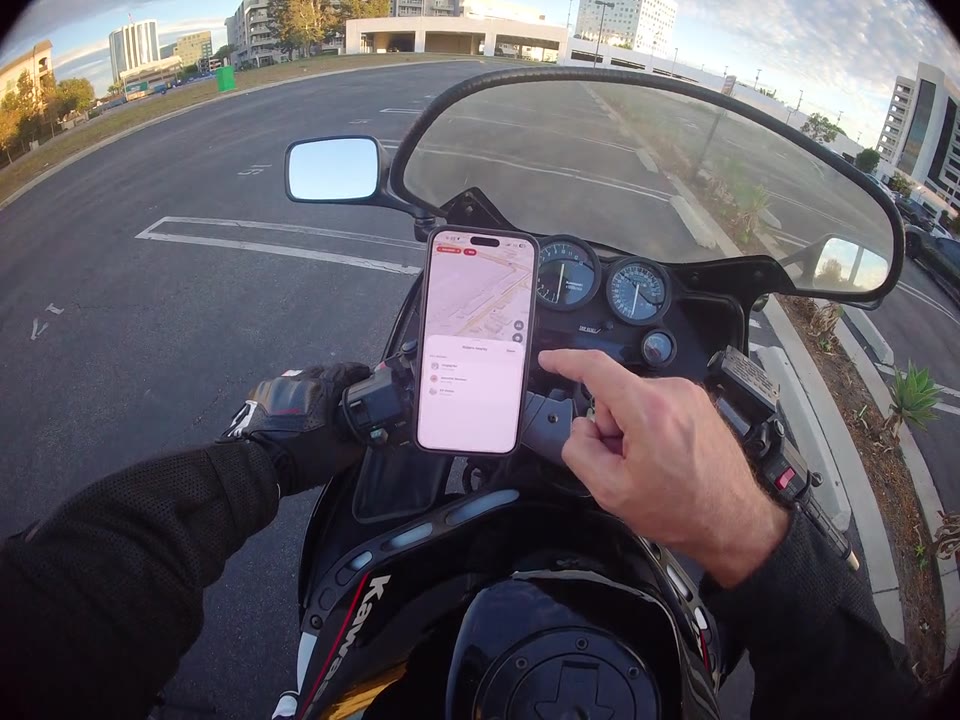
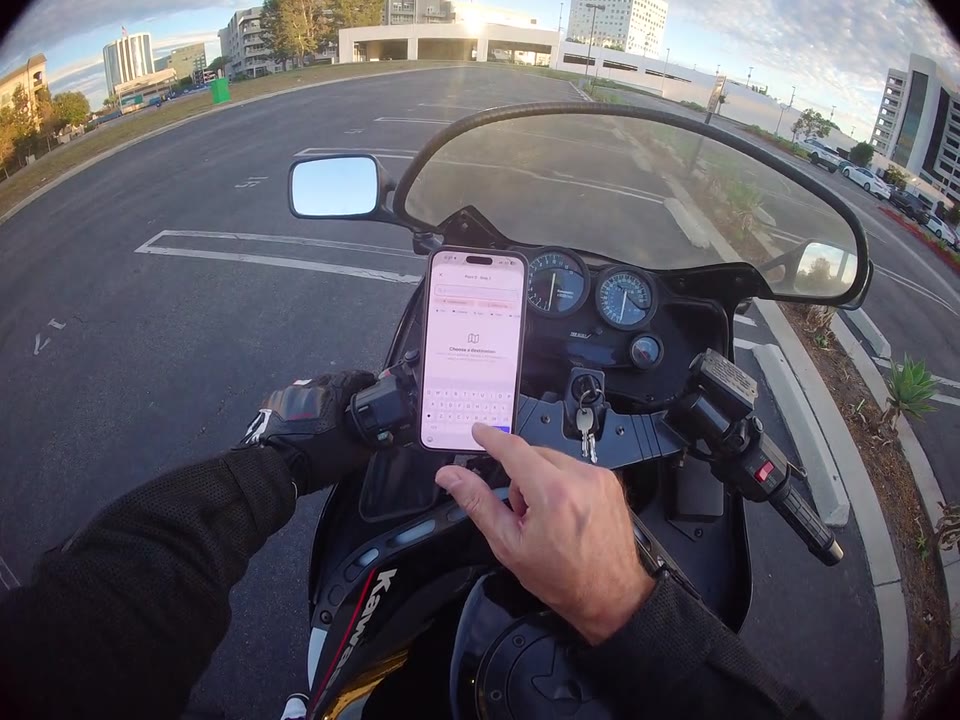
0:44 walkthrough
How to set up emergency contacts
Find the contact settings and explore manual entry and your phone's contact picker.
Follow along, step by step
Open the safety controls
From the home screen, open the Safety panel and choose Emergency Contacts.
Choose how to enter a contact
Review the contact-entry options. The recording demonstrates entering contact details manually and opening the phone's contact picker.
Check your contact details
Follow the app's prompts to confirm your choices. Review the names and phone numbers in your emergency-contact settings before your next ride.
How do I find and update my emergency contacts?
Open Emergency Contacts from the home screen's Safety panel. The video shows manual contact entry and the phone contact picker. Verify the details before riding; configuring contacts does not guarantee emergency response.
Read the safety disclaimer