Navigation & maps
0:53 walkthrough
How to plan a motorcycle route with multiple stops
Build a route with more than one destination before starting turn-by-turn navigation.
Follow along, step by step
Start planning from the home screen
Open the destination or route-planning control before you set off. Search for your first destination and select the matching result.
Add another stop
Use the route planner's add-stop control, search for the next place, and select it from the results. The recording returns to the route overview between searches.
Check the route overview
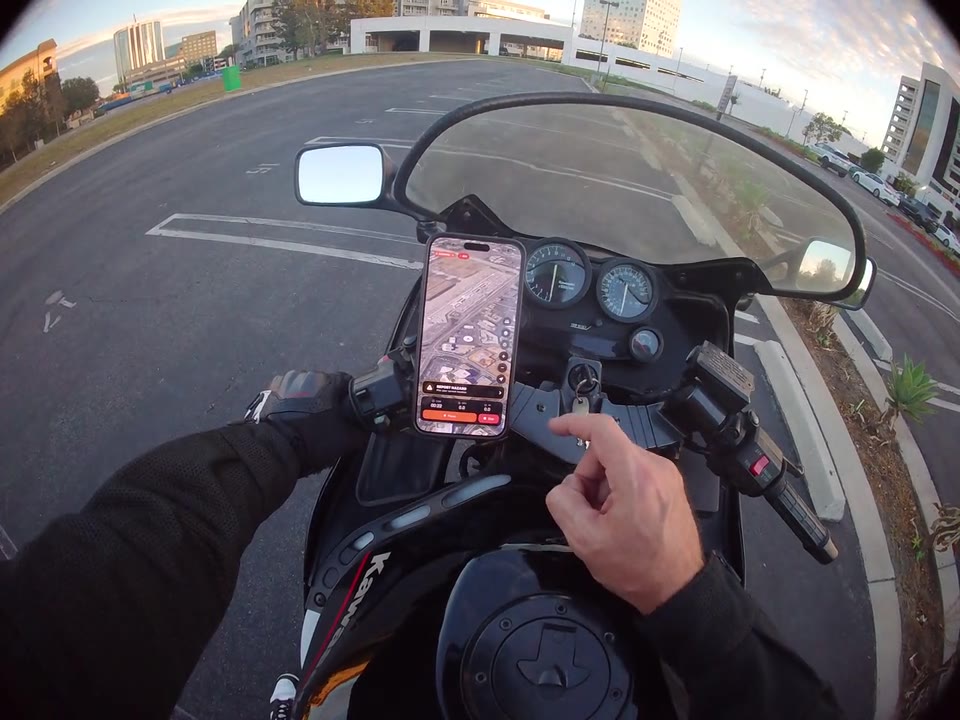
Review the stops and the route drawn on the map. Make any changes before you begin riding.
Start navigation
Use the navigation control at the bottom of the route overview. RiderShield opens the active navigation screen with turn guidance.
Can I plan a ride with more than one destination?
Yes. The route-planning walkthrough shows searching for destinations, adding another stop, reviewing the route on the map, and starting navigation. Plan and adjust your stops while safely parked.
Keep exploring
All guides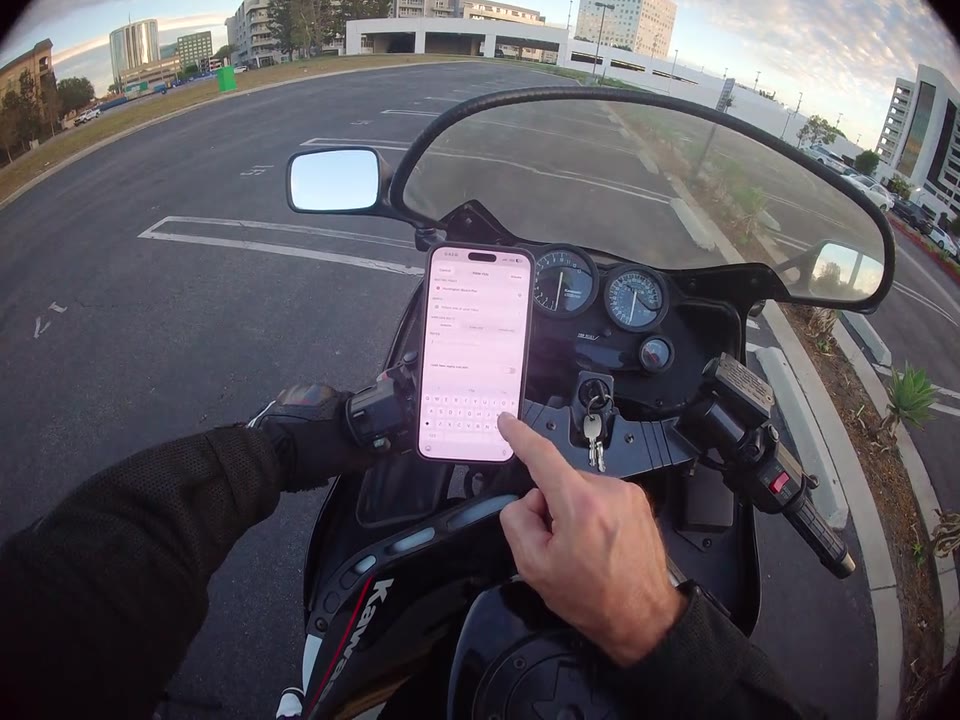
Rides & community
Get your next group ride on the calendar
Bring the plan together with a ride date, meeting place, and details for your group.
Navigation & maps
Find your preferred map view
Explore the map controls and switch to a different view, including satellite imagery.