Safety & privacy
0:12 walkthrough
How to check who you're sharing your active ride with
See who your active ride is shared with, right from the ride screen.
Follow along, step by step
Open your active ride
With your motorcycle safely stopped, bring up the active-ride map in RiderShield.
Open the sharing list
Tap the people icon in the controls along the right side of the map. The recording shows the shared-rider list opening over the ride screen.
Review who you're sharing with
Check the people listed, then dismiss the panel to return to your ride. This walkthrough checks your sharing audience; it is not a demonstration of tracking other riders.
How do I see who I'm sharing my active ride with?
Open the active-ride screen and tap the people icon beside the map to review the shared-rider list. Check it while safely stopped; the list shows your ride-sharing audience, not group membership.
Keep exploring
All guides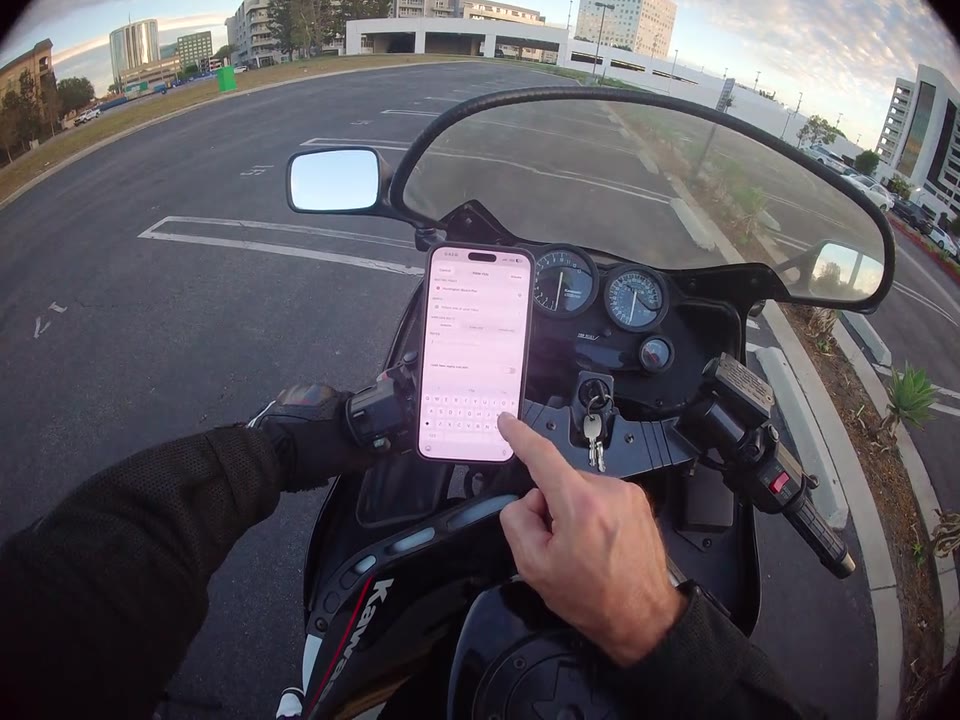
Rides & community
Get your next group ride on the calendar
Bring the plan together with a ride date, meeting place, and details for your group.
Safety & privacy
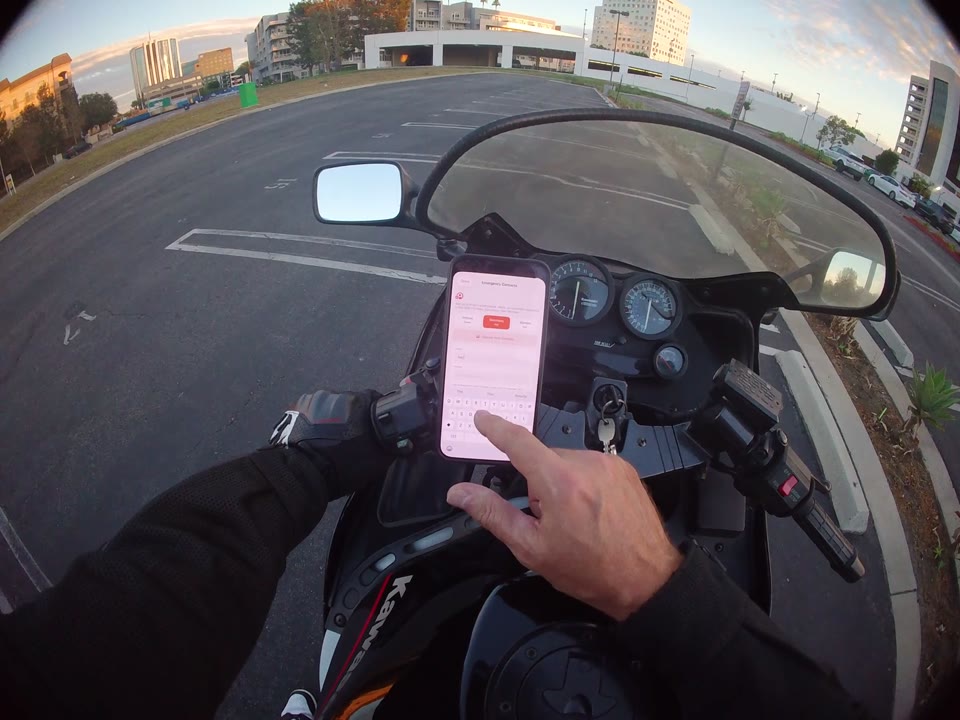
Review your emergency contacts
Find the contact settings and explore manual entry and your phone's contact picker.