Garage & marketplace
0:44 walkthrough
How to explore the RiderShield Marketplace
Open a featured retailer and browse motorcycle gear from the app.
Follow along, step by step
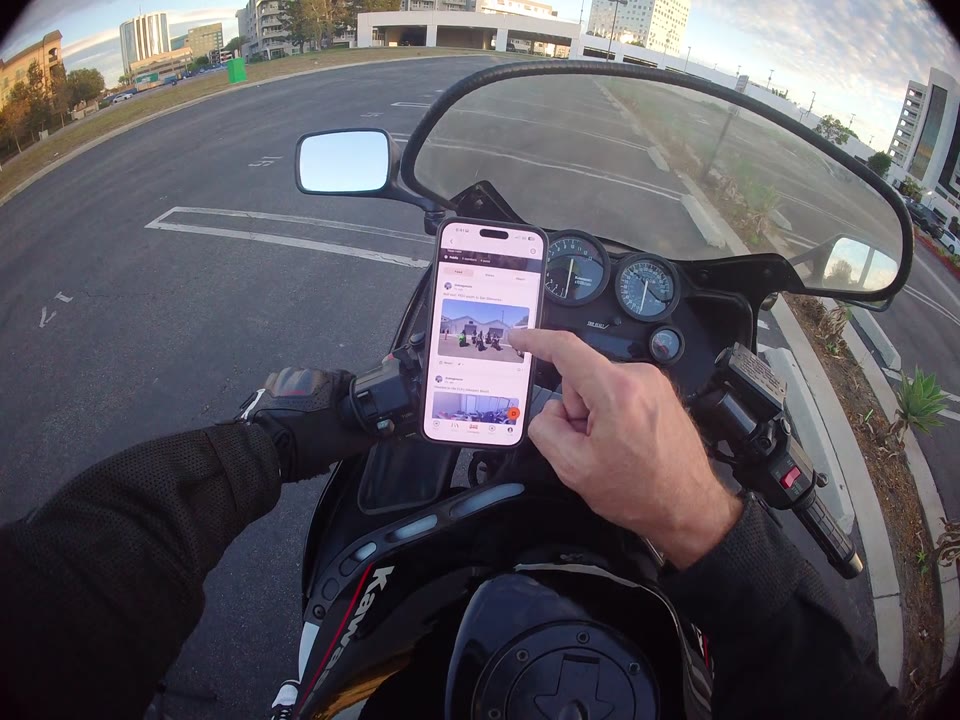
Open Marketplace
Use the bottom navigation to open the Marketplace section in RiderShield.
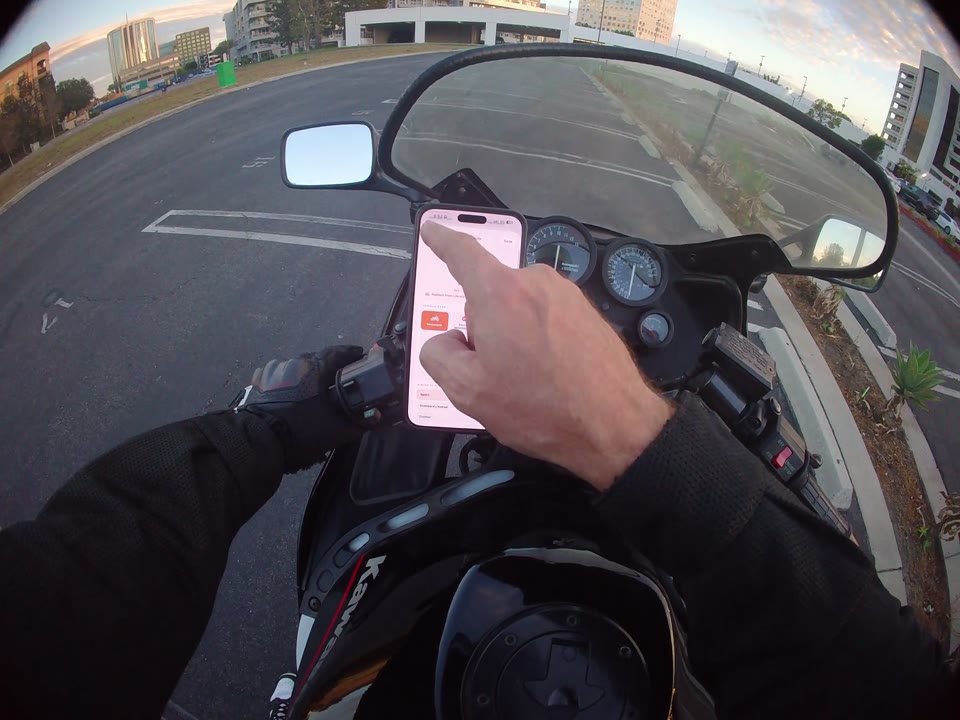
Explore a retailer
Select a featured retailer to open its shop. The recording shows browsing a motorcycle-helmet collection.
View an item
Scroll the collection and select a product to see its detail page. The demonstration ends at product browsing, not a completed purchase.
What does the Marketplace walkthrough cover?
It shows opening Marketplace, visiting a featured retailer, browsing motorcycle helmets, and opening an item's details. Retailer listings, prices, and availability may change; checkout is not shown.